Depot App
A web-based shopping cart application, created using Ruby on Rails, that illustrates many of the features in Rails.
This project is live, and you can check it out here.
Description
A web-based shopping cart application, created using Ruby on Rails, that illustrates many of the features in Rails. This project was featured in a book I read, Agile Web Development with Rails 7, by Sam Ruby and Dave Thomas. In section two of this book, the authors walk the reader through creating this project, which I did when I was reading through it. I did various minor extensions to the original version that the book guides the reader through, to get it to a deployable state, and to fix some issues. Currently I have the application deployed on a Raspberry PI.
Motivation
My motivation for this project came from another Rails project I was working on. I found myself wanting to create a web application using Rails, but quickly realized that having no background in web applications at the time made it very difficult to just jump in right away. I didn’t take the web application courses offered at my university, instead opting for different topics that interested me more at the time. So I found myself without much of the foundational knowledge for it, except for what I’ve picked up in somewhat tangential courses like Networks, Databases, Event-Driven Programming, and some earlier very limited non-university experiences I had using Django and React.
I wasn’t going to let that stop me though, so instead I did some digging around for what educative resources people recommended. One resource I saw come up often was the book, so I bought a physical copy of it. My plan was to shelf my other project, and read through this book first to build up familiarity with both web development and Rails.
It was definitely worth taking the time to step back and read through this book. There was various challenges in my original project like nested dynamic forms, unit and system testing, my approach, and convention, that this book cleared up greatly for me, and I know now how to do in much cleaner, concise, and simpler ways.
This book didn’t just increase my knowledge of Rails and various other tools though, it also helped me to see the value of an Agile, iterative, approach to application development. As I mentioned earlier, section two of this book walks the reader through creating this project step-by-step. The chapters in this section are structured in a sort of corporate roleplaying way. Each chapter is a new iteration of the application based of an imaginary customer’s desires after seeing the previous iteration. For web application development, I found this approach much better than compared to a waterfall, or big up front design, approach. Especially since requirements can quickly change drastically in web applications after having them tested by real people.
This project, along with the other sections of that book, definitely had the outcome I envisioned. Which was to provide me with a much more concrete foundation in both web application development and Rails.
Features
Product Maintenance
Create, read, update, and delete Products from the database.
Catalog Listing
Page that shows all Products in the database available for purchase.
Shopping Cart
A cart for customers to add products to, allowing order checkouts.
Order Checkout
Carts can be checked out and captured with an order form that collects buyer information, includes a dynamic field that supports various payment types using Hotwire’s Stimulus, and connects to a (fake) payment processor.
Payment Processor
Mock up of a simple payment processor using OpenStruct included in the application. Which is then called using Active Job via an API from a controller, and queued as a background job - preventing the controller from becoming slow and causing timeouts.
Administrative Login
Application has a sign-in for administrative users, with a user model that has digested passwords for added security. Signed-in admins have larger access to the application through a admin sidebar for viewing orders, CRUD functionalities of various models, and the application mailboxes.
Sessions
Session management to tie orders and carts to buyers through identifiers.
Error Handling
Access to restricted pages by normal users is blocked, and two actions are taken when such exceptions occur. The occurrence is logged, and the page is redirected to the last page with a flash message reporting the intercept.
Styled Front-End
Pages, including listings, partials, and layouts, are styled using Tailwind CSS.
Internationalization
A locale switcher for translating parts of the page into either Spanish or English.
Hotwired Shopping Cart
Instead of updating, and refreshing, the whole page when a product is added to the shopping cart, Hotwire’s Turbo is implemented to fragment the page into partials. When a product is added to the cart, only the shopping cart’s HTML is updated, instead of updating the full page.
Action Cable Broadcasting
Product information on the front-end is updated in real-time using Action Cable (WebSockets). Listening for updates pushed by the back-end, and auto refreshing when updates are made using a subscriber channel.
Active Mailer
Mailer that sends order confirmation emails to the buyer, in both plain-text and HTML formats, with the order details. Uses Active Job to queue these mailing tasks, and run them as lower-priority background tasks.
Action Mailbox With Reply Function
Ability for the application itself to receive emails using Action Mailbox. These inbound emails are displayed in an admin page and can be replied to on that page using a Rich Text field.
Validations on Models
Models are validated to control what can be saved to the database, insuring validity of information.
Test Fixtures
Fixture data to provide an environment to run tests with.
Unit Testing
Unit tests to ensure that the models work the way they are expected to.
Functional Testing
Functional tests to ensure that our model, view, and controllers, work together the way they are expected to.
System Testing
System tests for testing full end-to-end scenarios, and testing application-level functionality in JavaScript code, using Capybara.
Docker and Deployment
Docker image set up with a simple environment and two containers, one for a PostgreSQL server, and another for the web server using Nginx and Phusion. Application live at pi.depotapp.org, being hosted on my local network using a Raspberry PI and a Cloudflare Tunnel.
Tech Stack
This project was done using Ruby, Ruby On Rails, and many other technologies like PostgreSQL, SQLite, Capybara, MiniTest, Docker, and more.
Challenges
I didn’t face any insurmountable challenges of note for this project, but definitely a handful of minor challenges, that were all things that I was able to solve rather quickly.
Many of challenges were just environment differences. For example I work using WSL2 (Windows Subsystem for Linux), which let’s me run a Linux environment on my Windows desktop. However, when it came to using Capybara and Selenium for this project, there were some issues with it not working the way the book described. Once I figured out the issue was related to WSL2 though, it was a quick Google search to find a solution and solve it.
Another issue that also ended up being related to WSL2, was getting docker set-up. That was a quick solution to find as well though, especially after going through the previously mentioned challenge, as I came to learn that sometimes the problem is just WSL2 requiring a little extra set-up compared to installing on a standalone Linux system.
The rest of the minor challenges I faced were two things.
The first, which I don’t consider a problematic challenge, but I think makes sense to include as one as I learned from it, was implementing iterations for the app that the book glosses over very quickly. An example is the chapter that covered the Mailer and Mailbox for the application. Those chapters were written with a bit more brevity, on how to implement both. It required a bit more work to extend both to a state where they worked, and to implement them fully with the application. This was true for a few, but limited number of features in the application.
The second, was some minor errors, or “errata”, in the book’s text. Which sometimes took a bit to pin down to being an issue in the text, and not a bug of my own creation. They were very minor erratas though, and I found that the book had a forum page as an available resource even, where a lot of these were already pointed out by other readers and fixed by the authors.
I even found an errata that hadn’t been pointed out by anyone yet before, so I made my own post on their forums to point it out. My post can be viewed here, if you’re interested. It was simply a mismatched line of code between a view and controller.
Media
 Catalog listing showing purchasable products
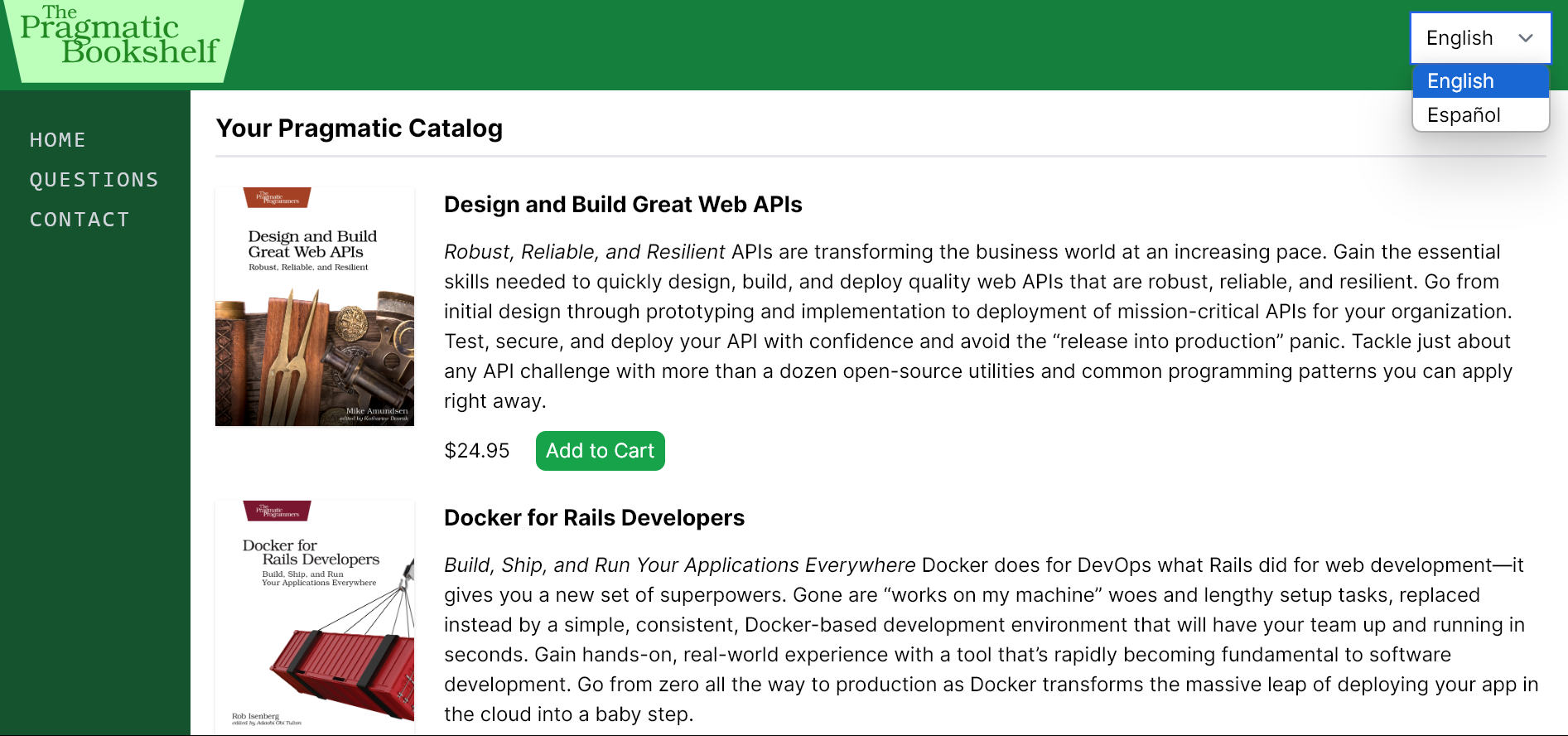 Locale switcher on top-right to switch between English or Spanish
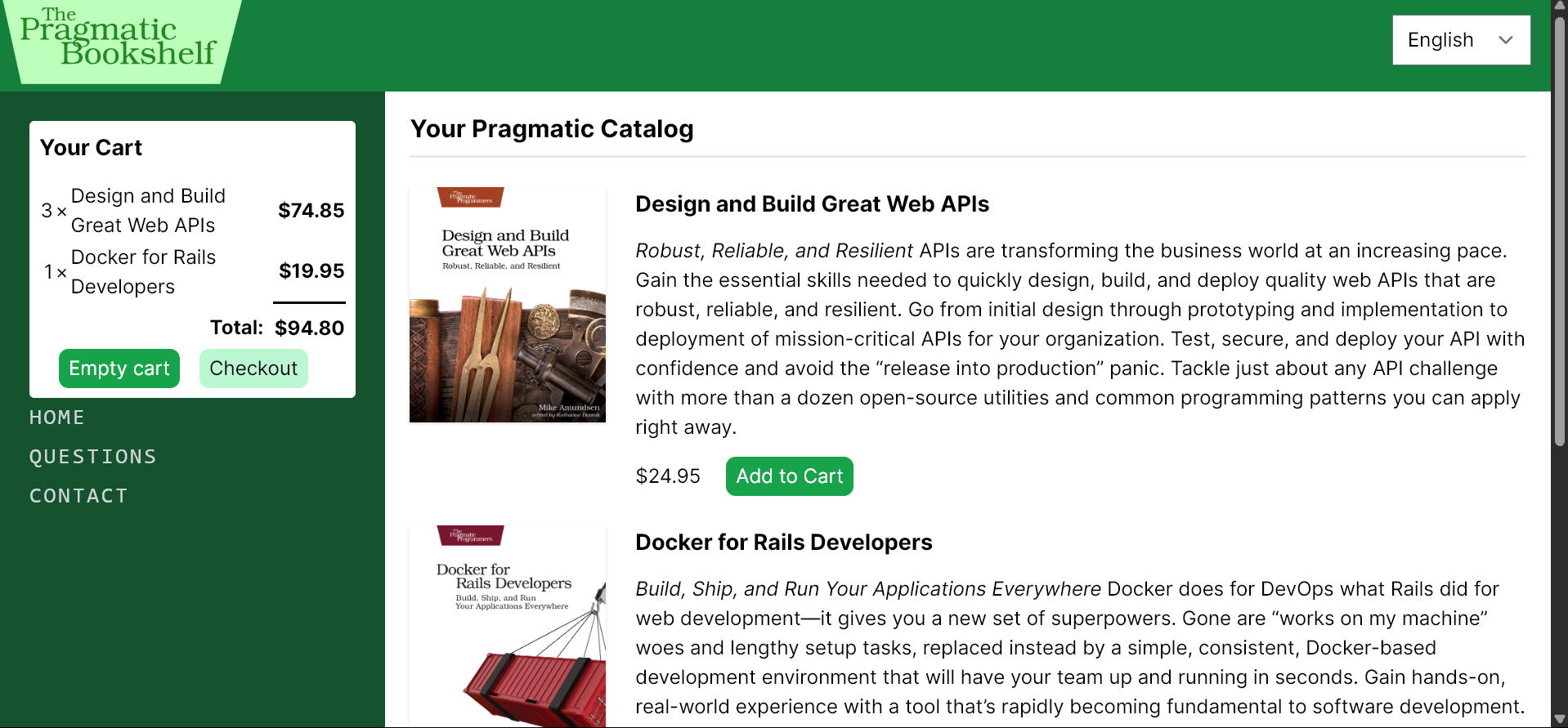 Adding items to session’s shopping cart
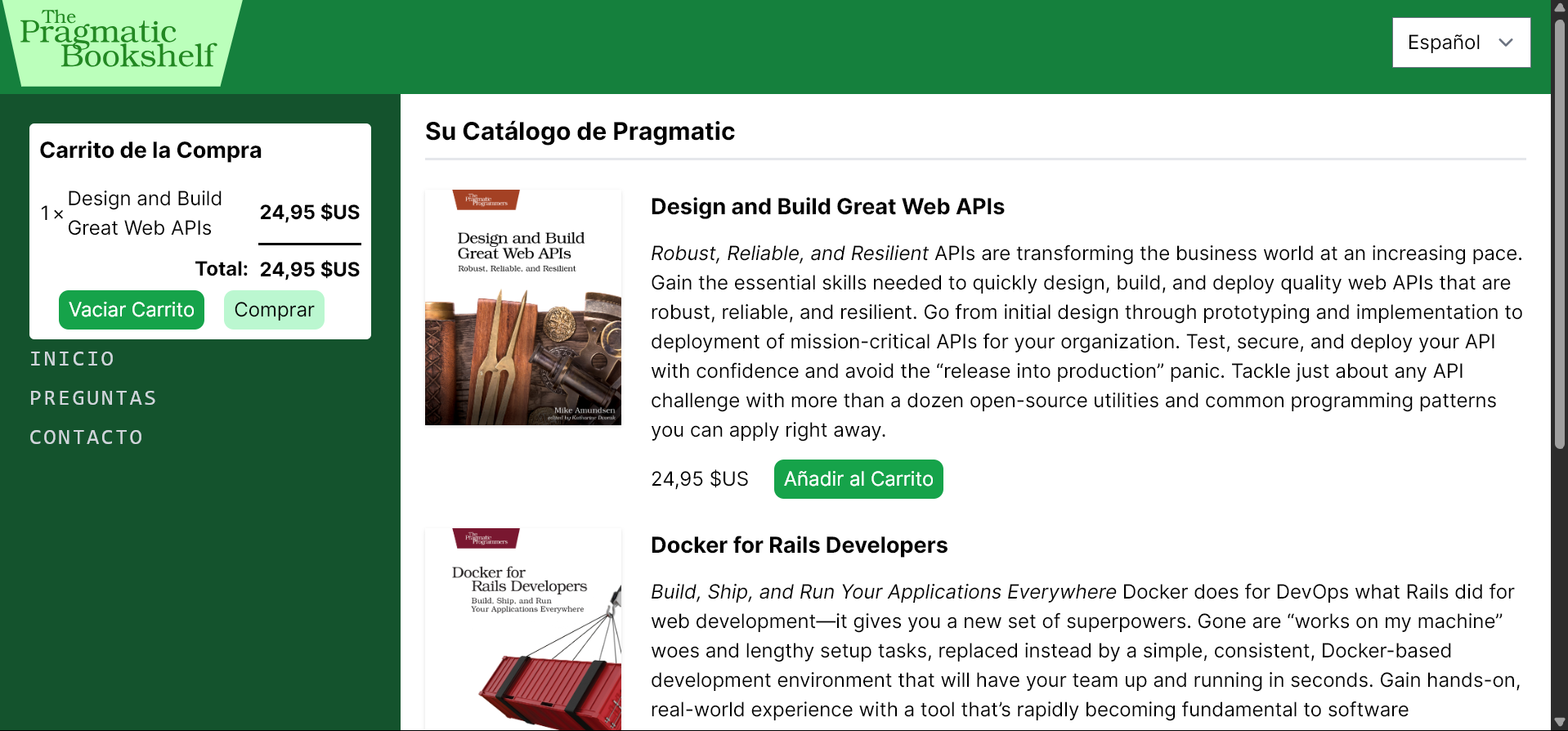 Spanish translations
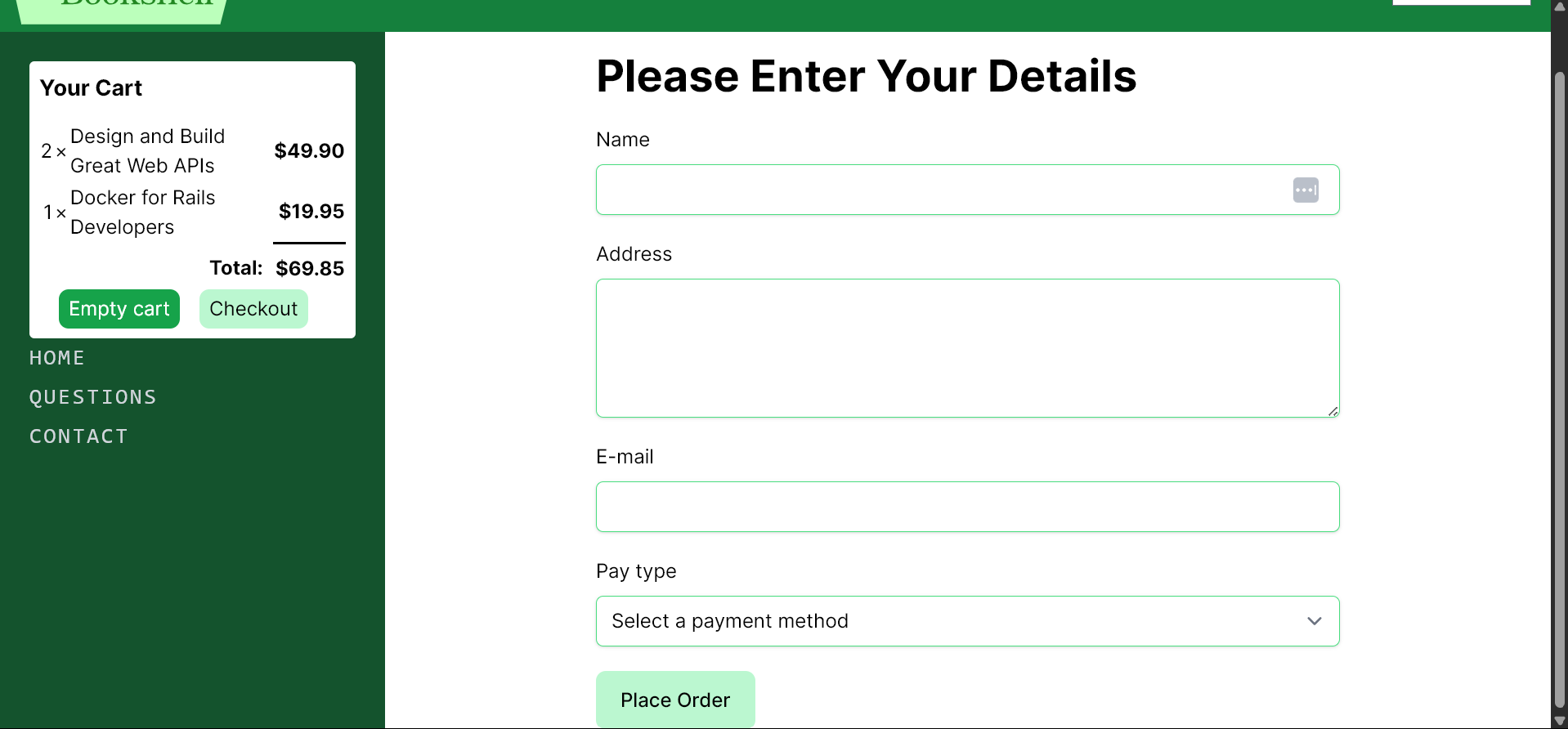 Order checkout
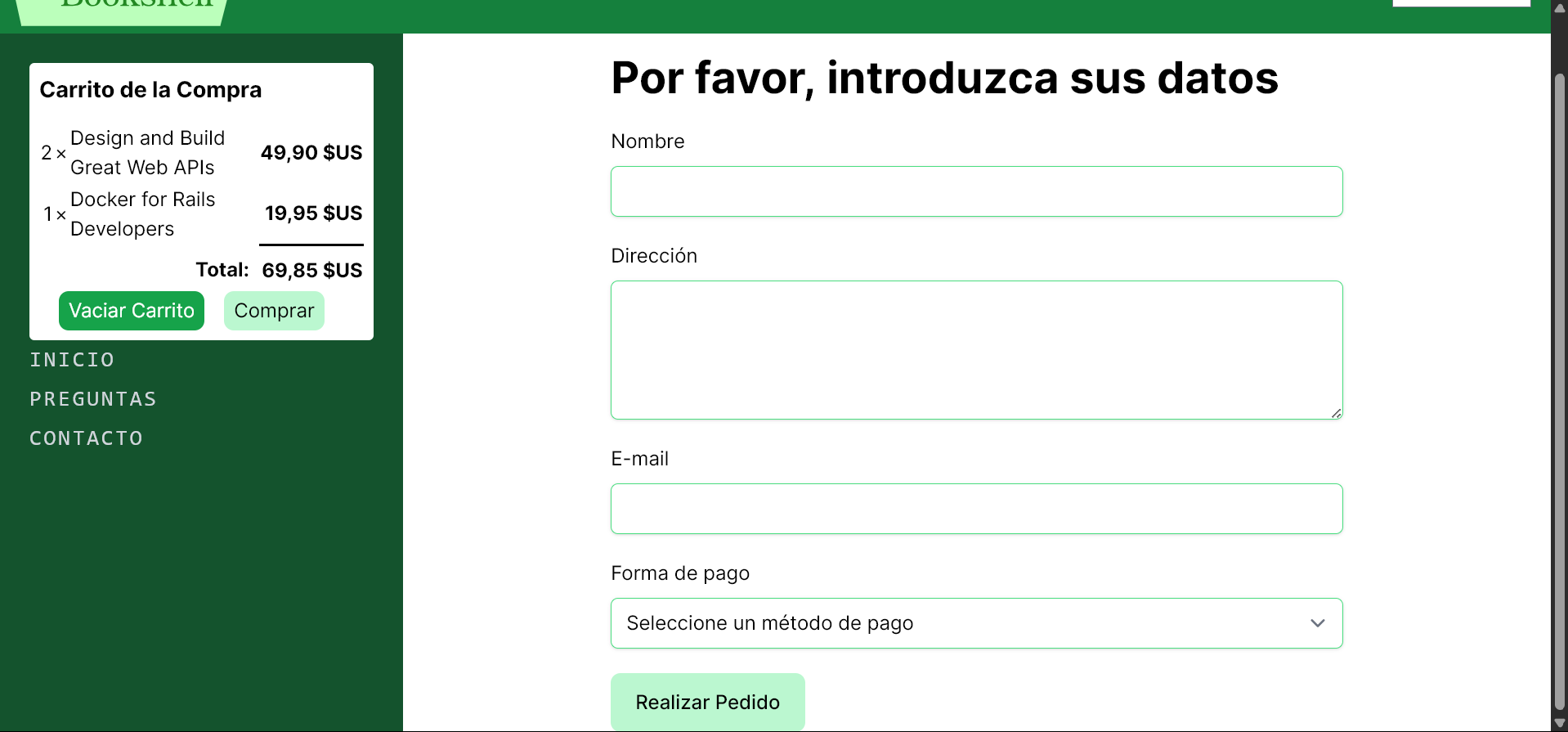 Spanish translations
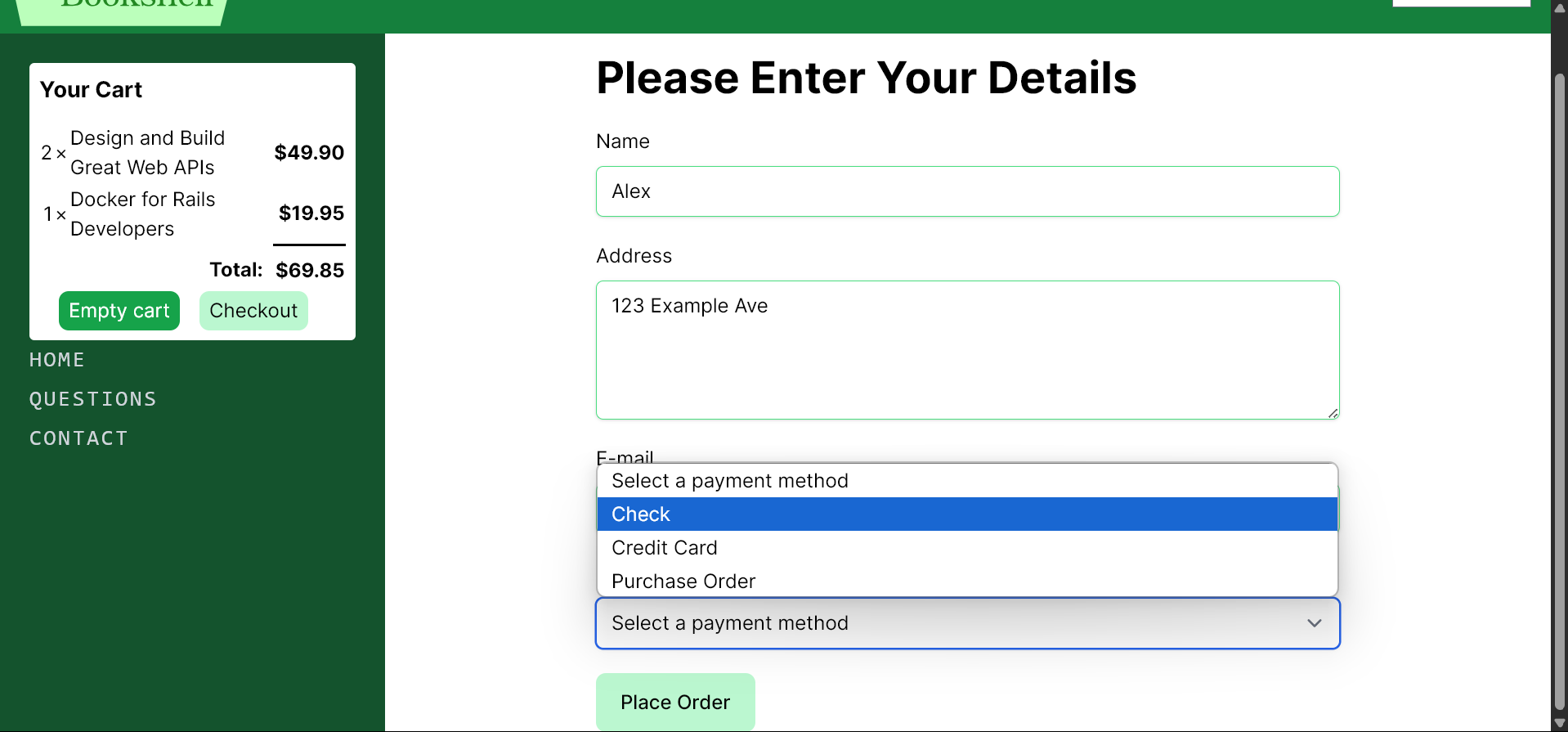 Dynamic checkout form with selector for various payment methods
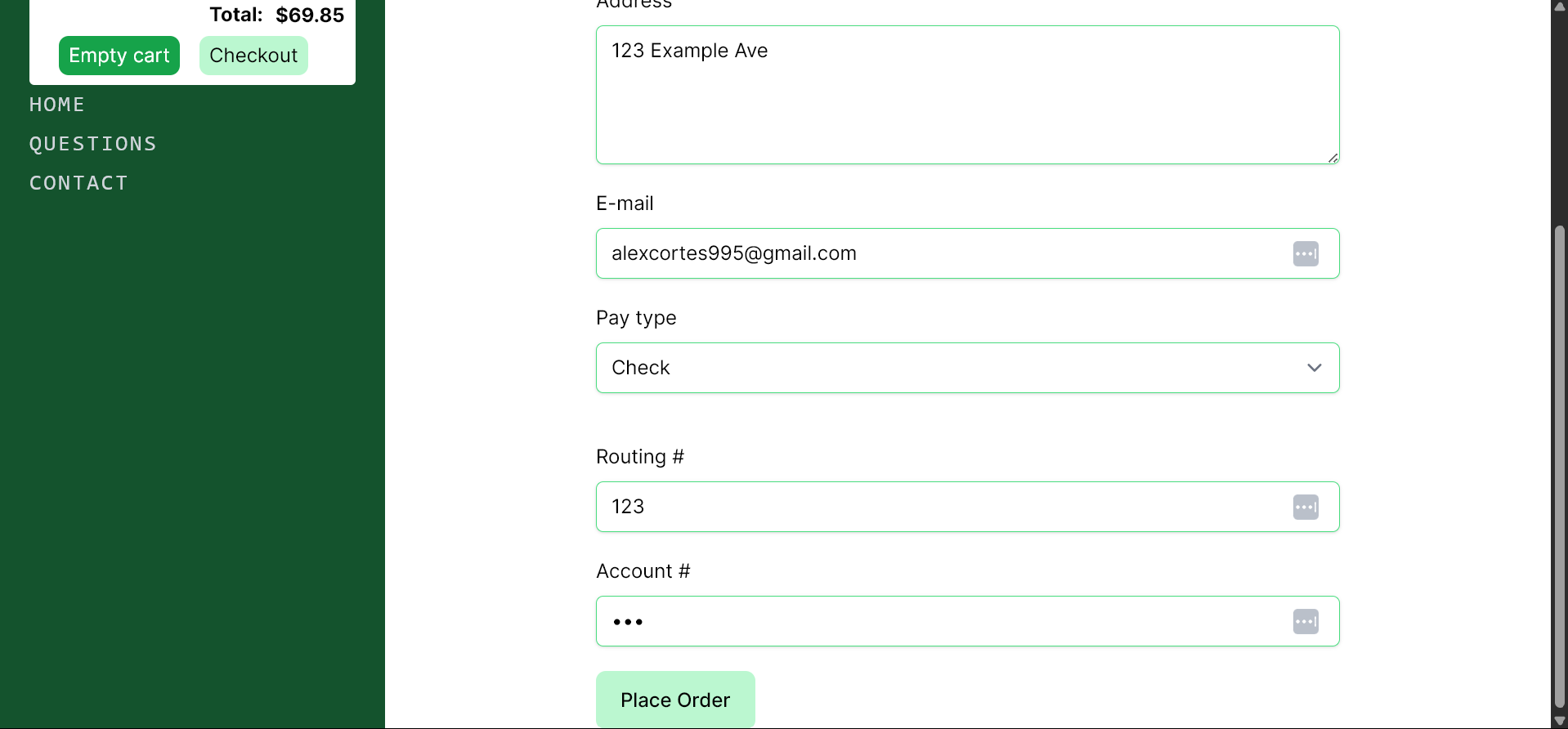 Dynamic form for payment with check
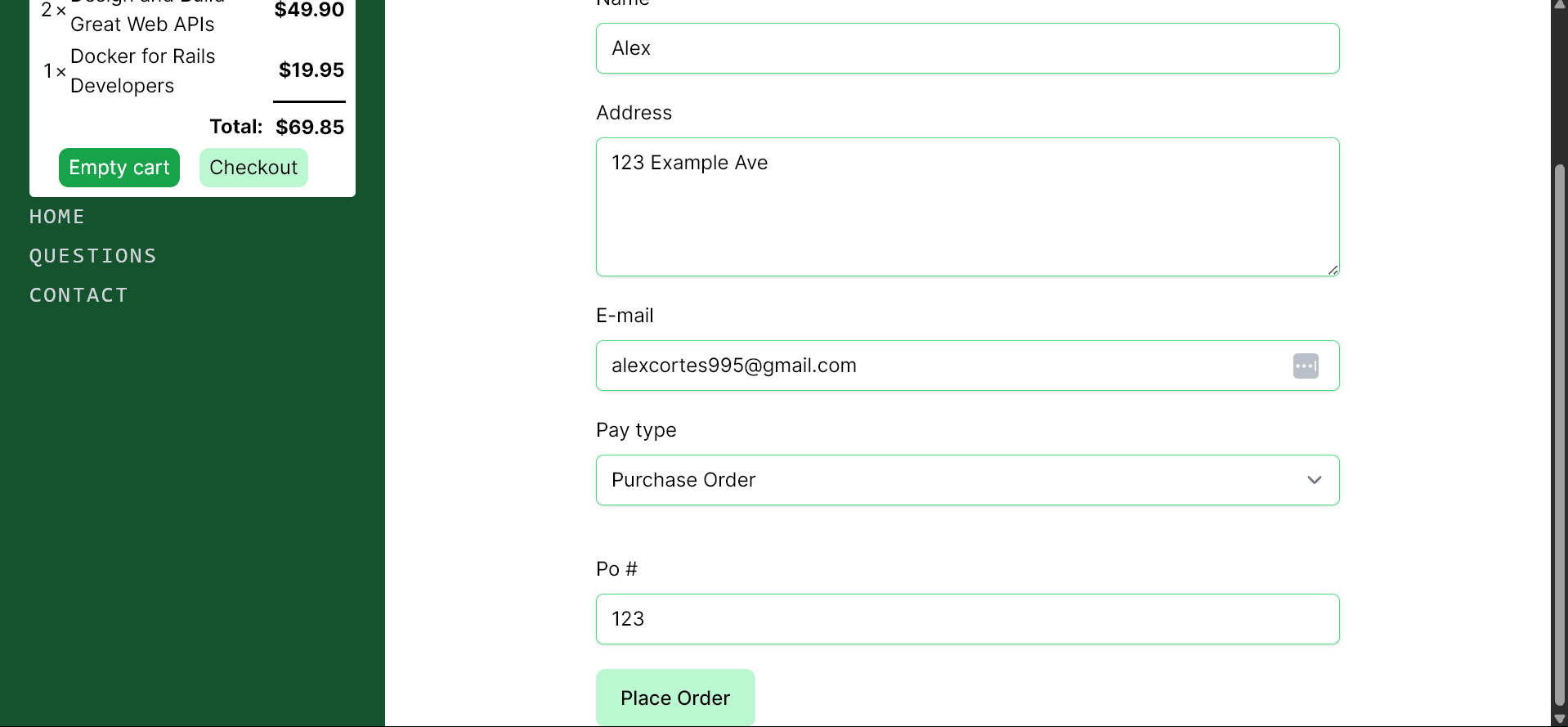 Dynamic form for payment with purchase order
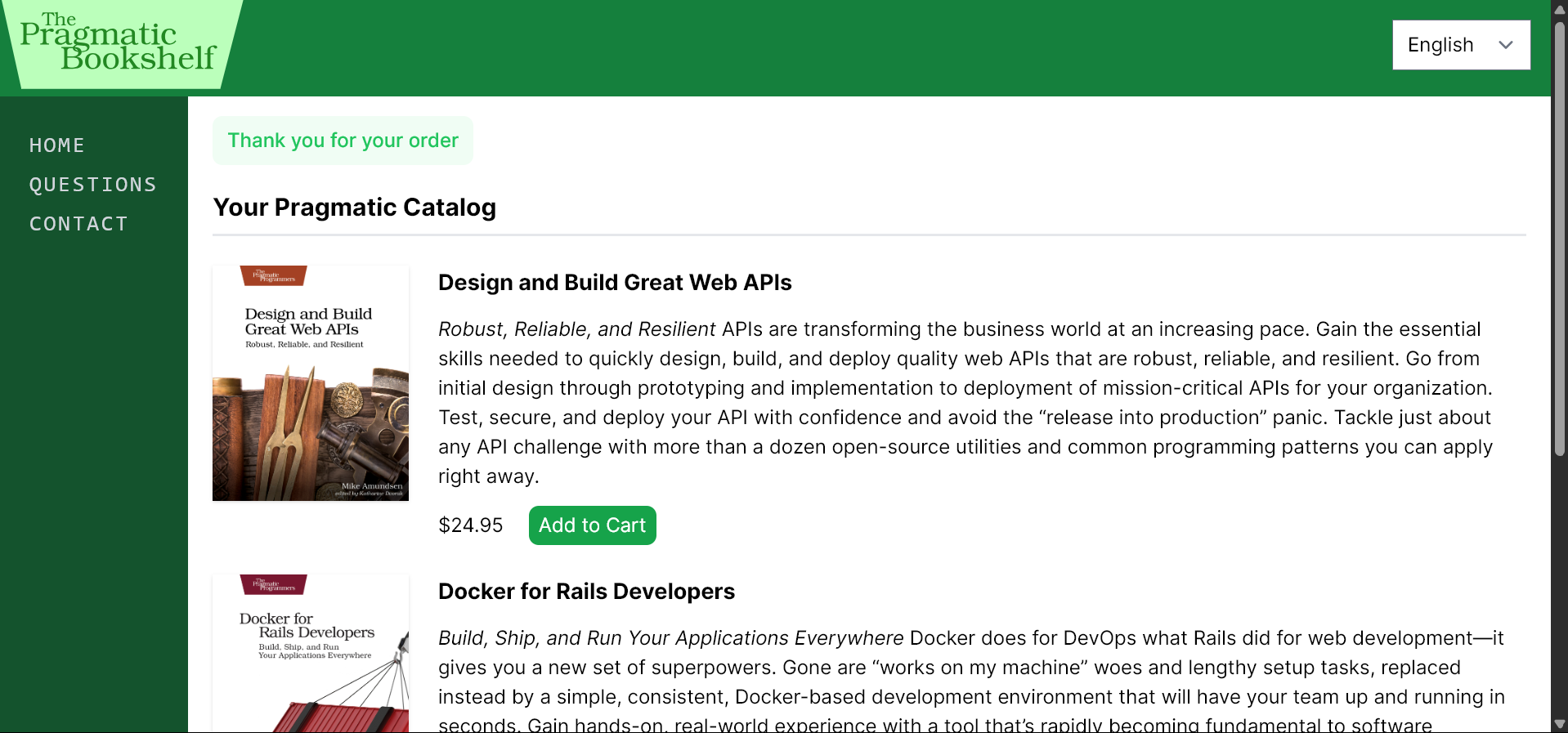 Flash notices for action confirmation
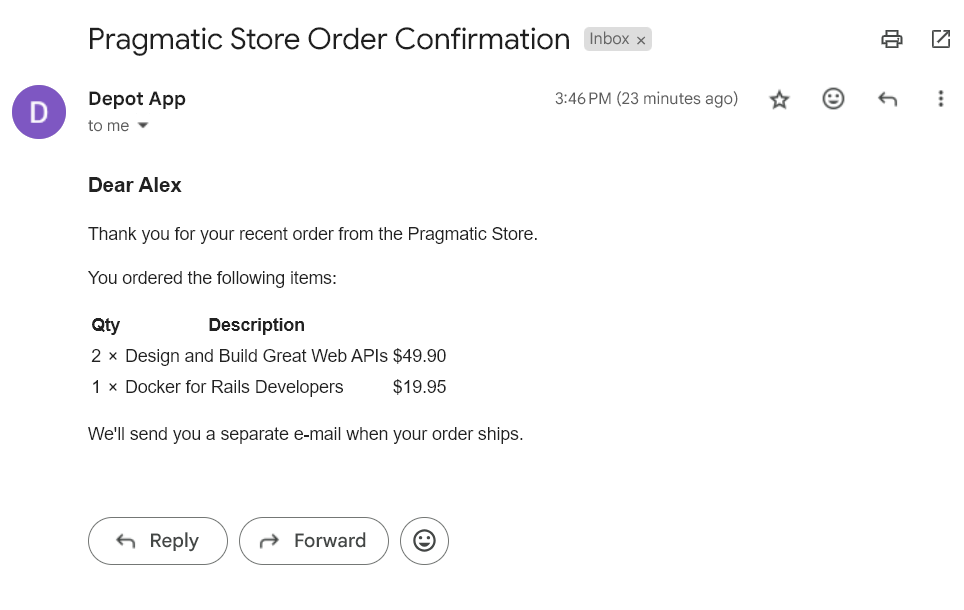 Mailer that sends out order confirmations
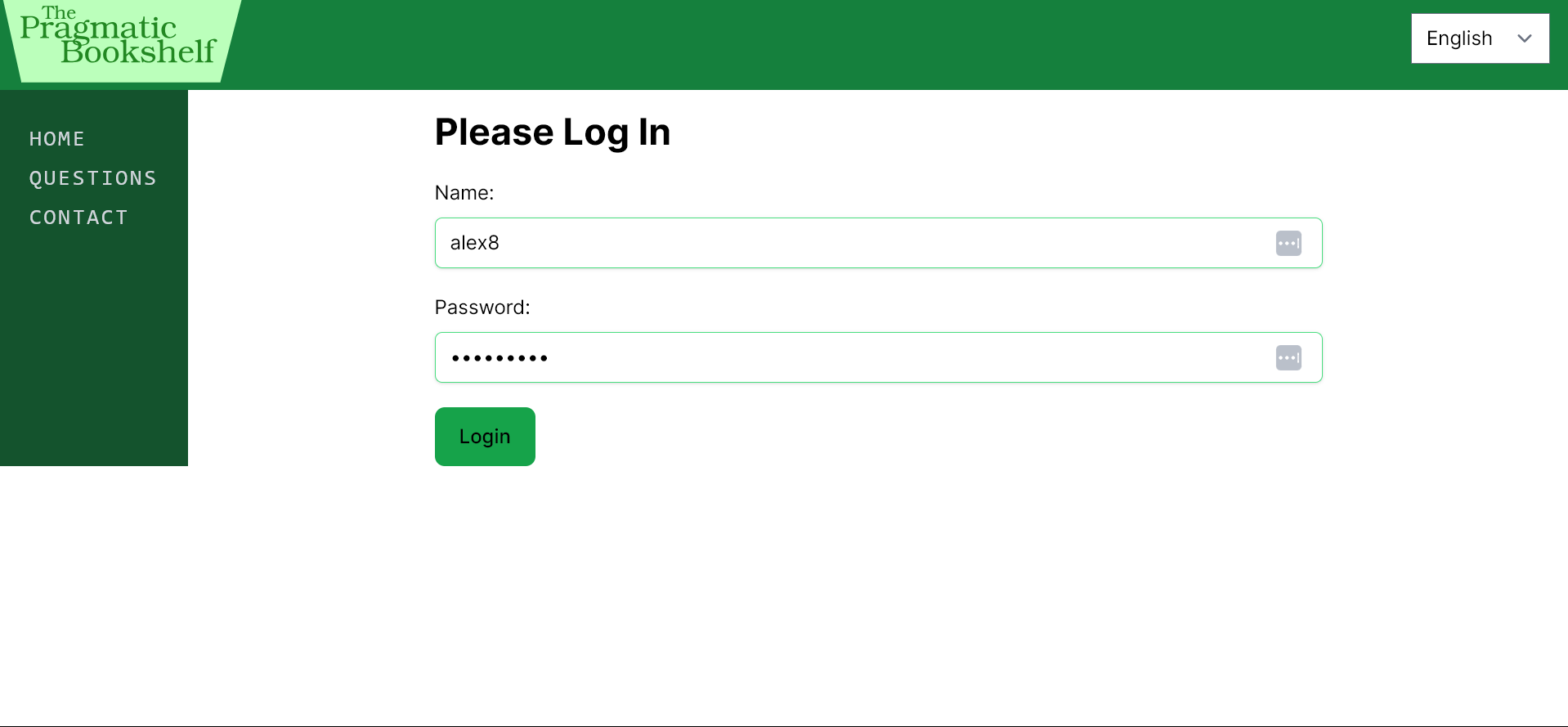 Login page for administrators
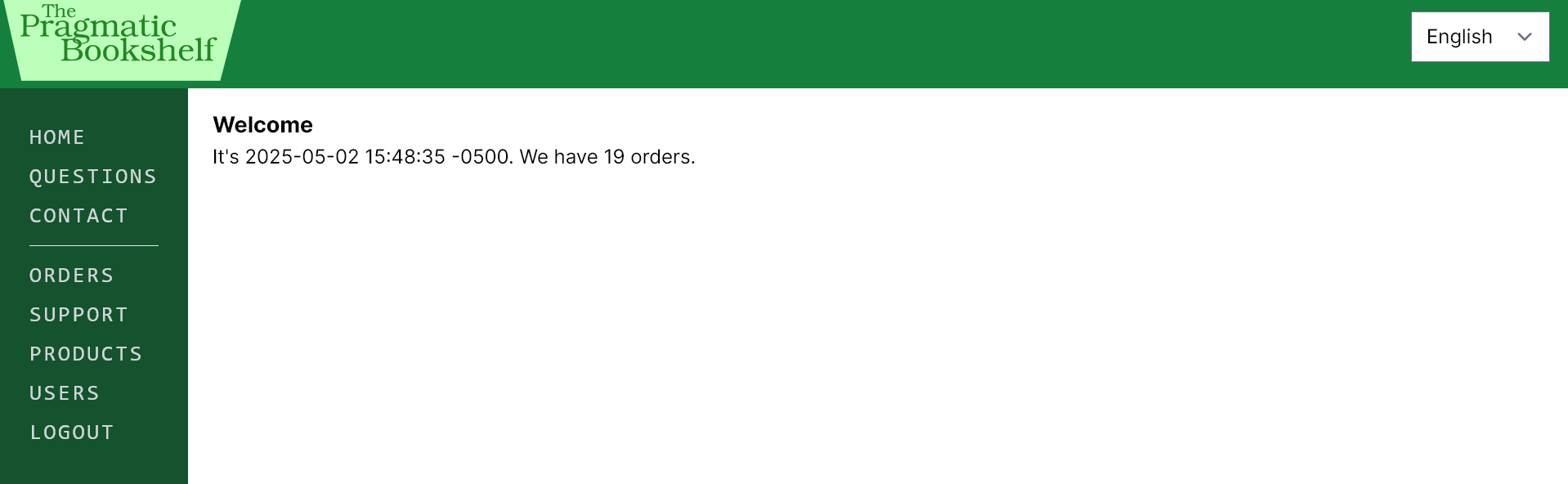 Admin homepage with expanded sidebar
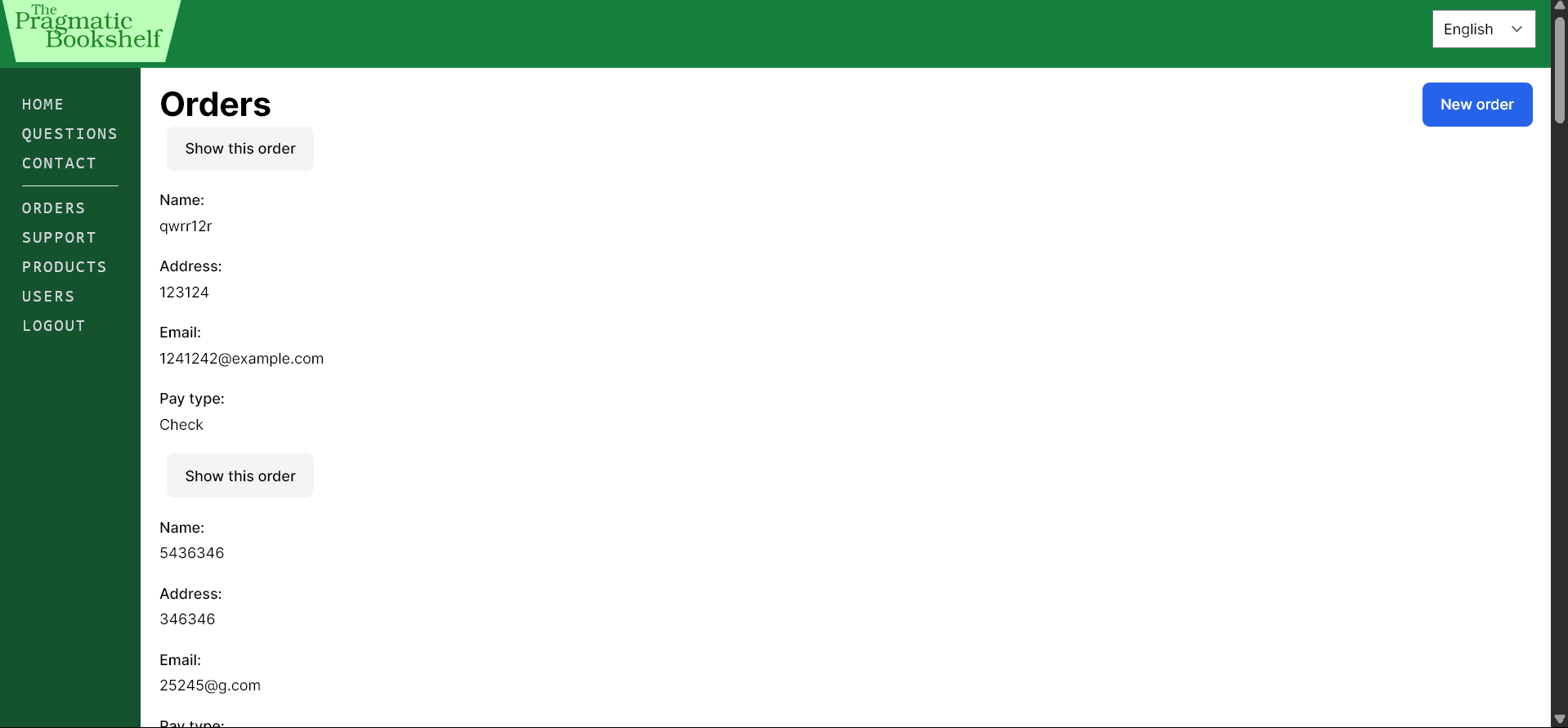 List of all orders made
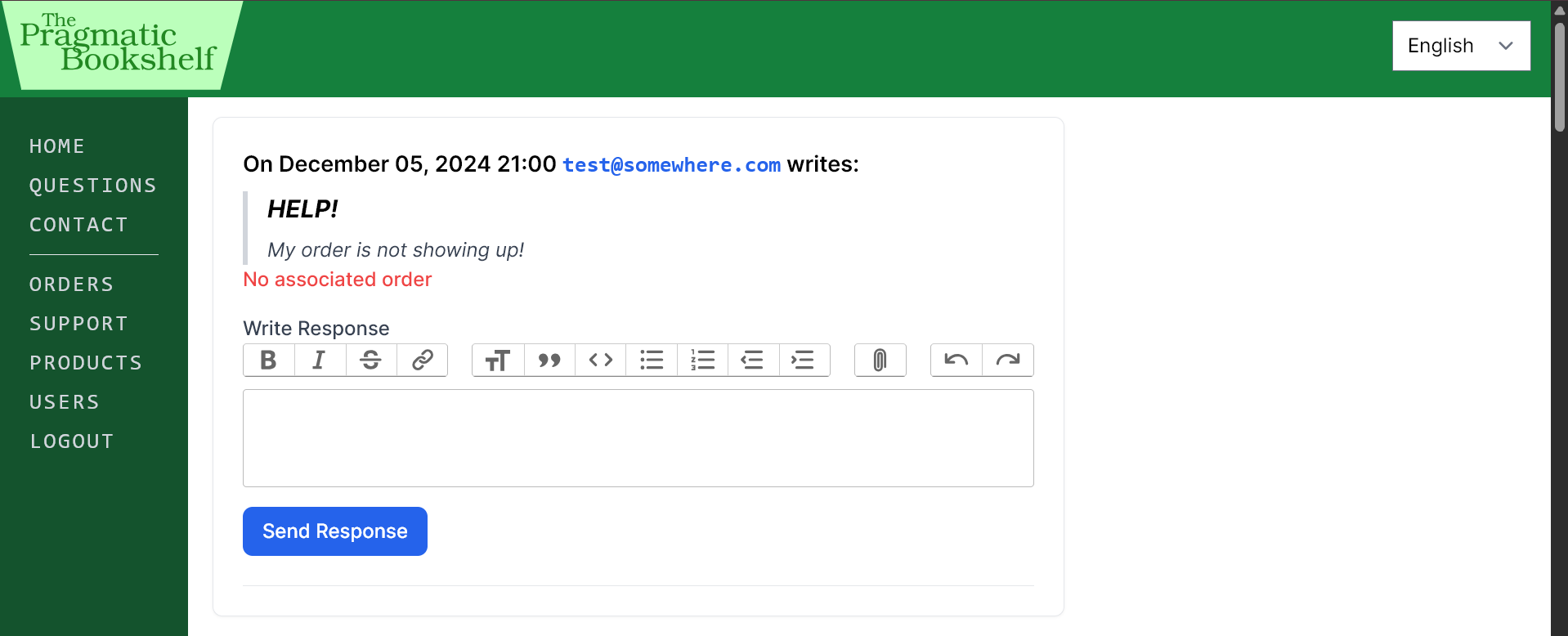 Support page is an inbox for all emails sent to the site’s support address, supports the ability to reply from the page
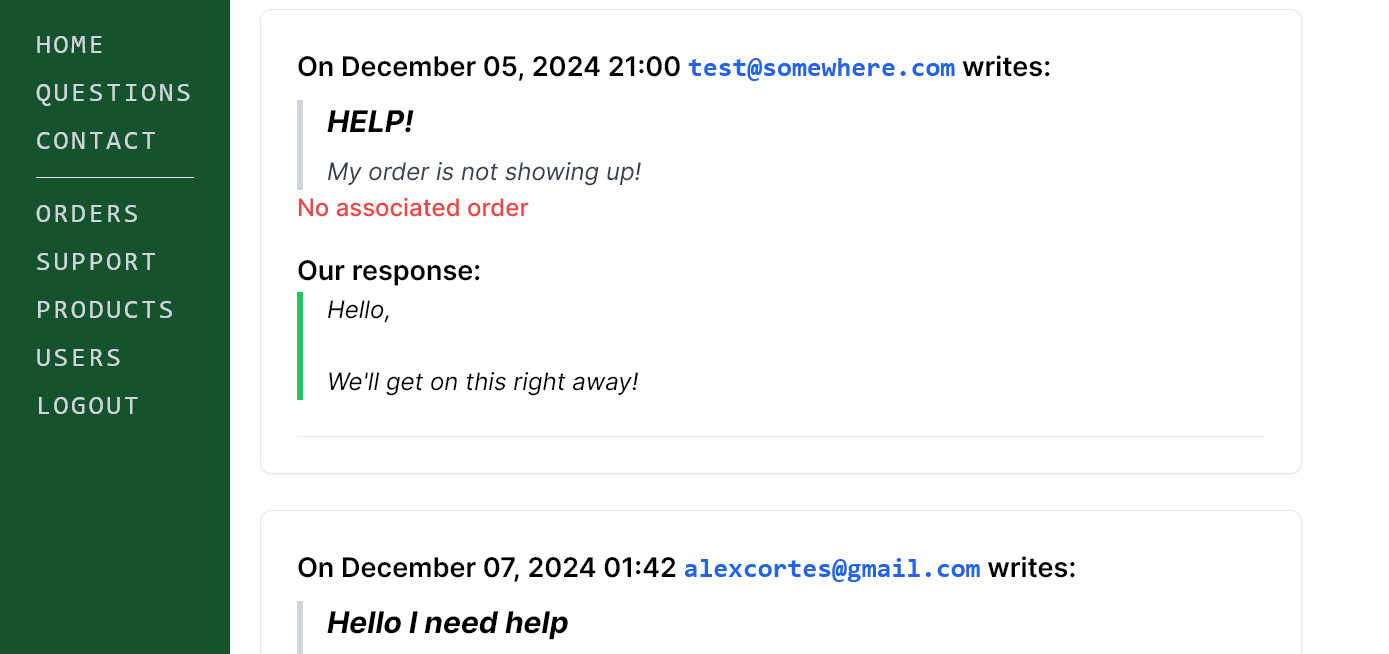 Example of a reply
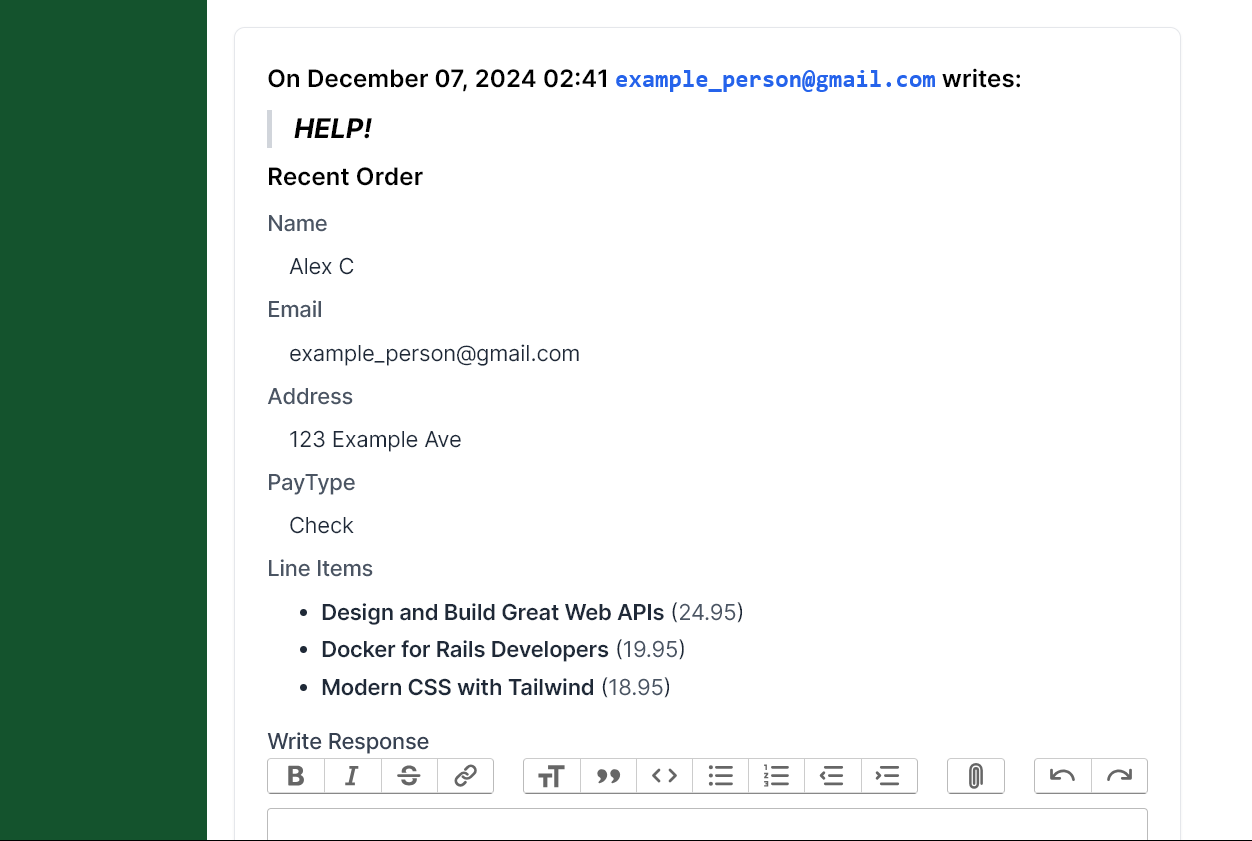 If present, shows the most recent order linked to the sender’s email
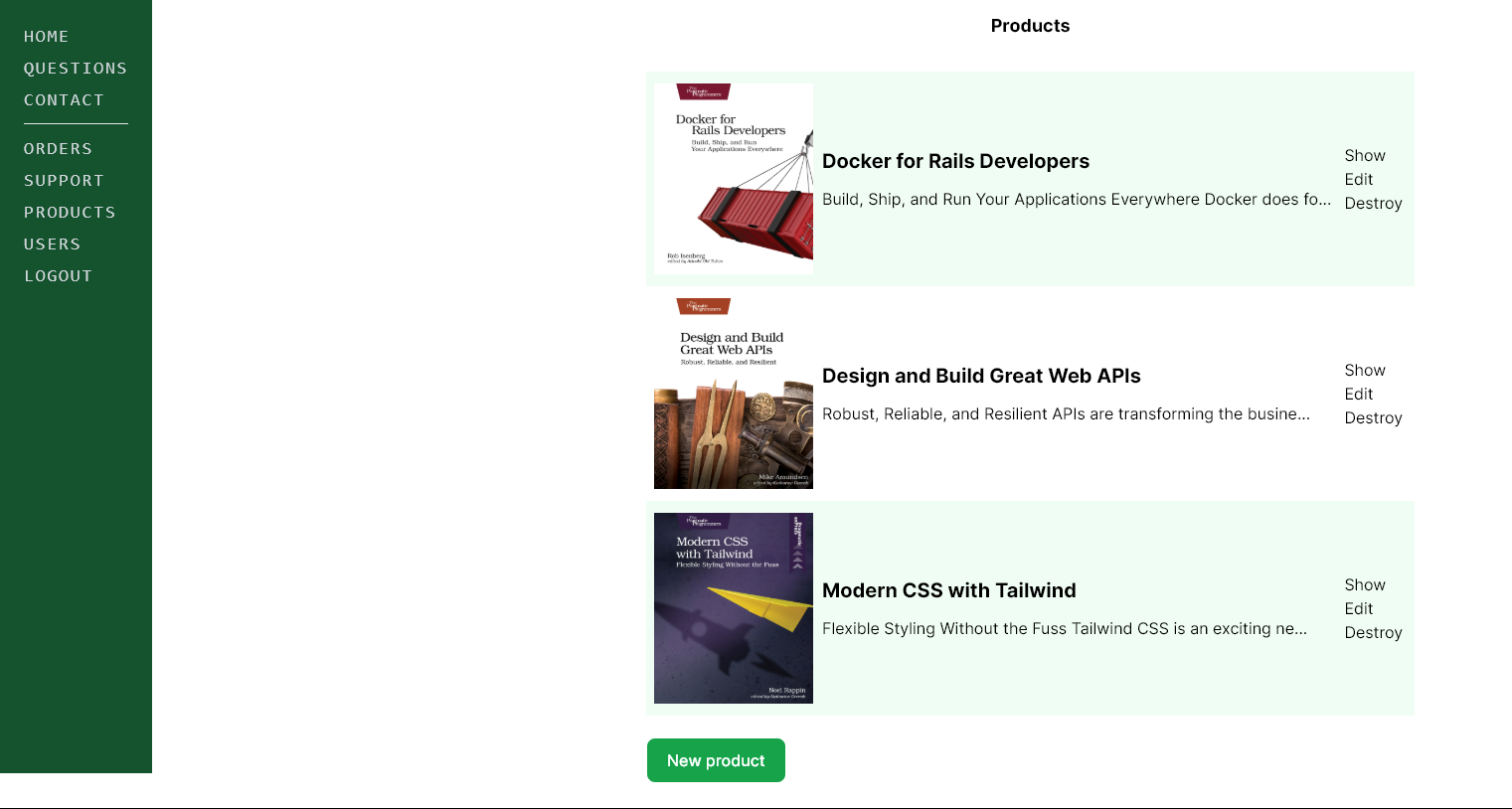 Product maintenance page, for creating, editing, or deleting products
 Validations to ensure adherence
 User creation page for adding new admins
Links
You can visit the github repository for this project here.